Football Manager 27 Mobile Beginner Guide: Your First Season
Football Manager 27 Mobile beginner guide: starting a career, the new help for first-time players, squad and staff basics, reading matches with xG and Dynamics.
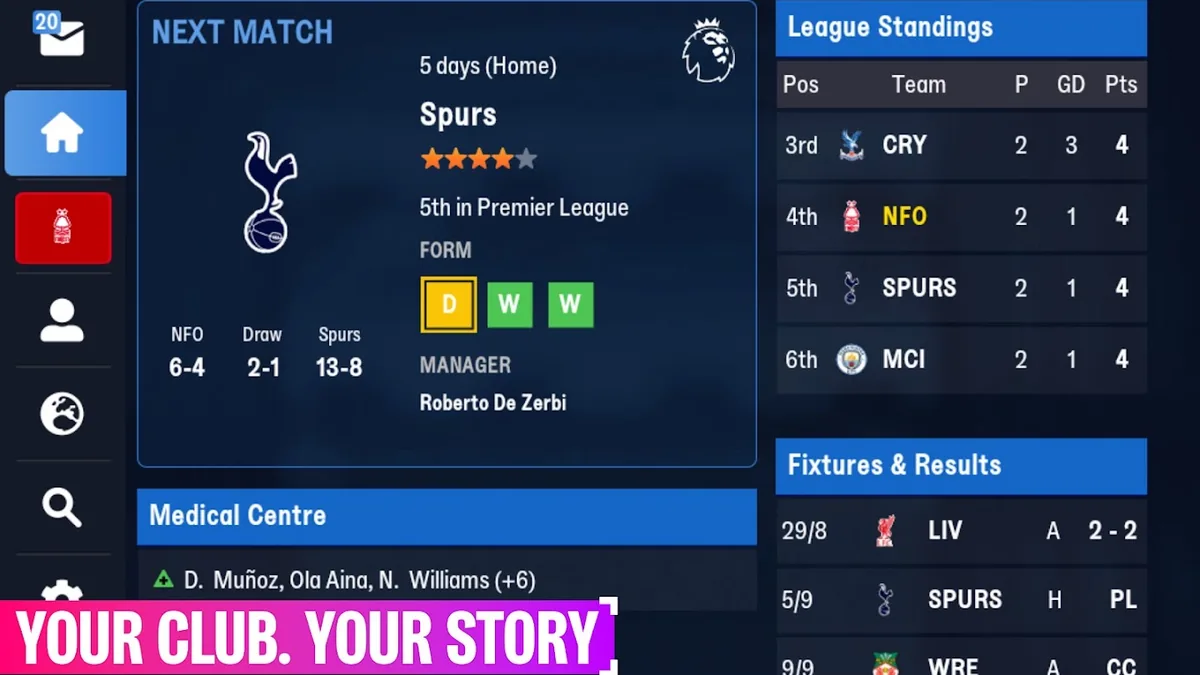
This Football Manager 27 Mobile beginner guide is for anyone starting their first career, whether you're new to FM or new to the phone version. Sports Interactive describes FM27 Mobile as "a game for all levels", a more digestible way to play FM that keeps the depth, and the store listing promises an experience you can pick up and master in minutes. Below: how to start, the new help this edition gives first-time managers, the squad and staff basics, and how to read your first matches.
Starting Your First Career
You can start a new career or continue one: SI's official article says FM27 Mobile works whether you're continuing from your save in FM24 or FM26 Mobile, or starting again from the very beginning. To play at all you need a Netflix membership and the app installed (see our download guide).
When you set up a new game, the leagues you load matter. On the official Sports Interactive feedback thread, a player who started unemployed with the English, Scottish, Welsh, Northern Irish and Irish leagues loaded got a start date of December 2025; an SI staff member said they thought that was intended because of Ireland and would double-check. Another player asked where the option to pick a start date had gone, without an answer in the thread. New this season, Colombia is also available as a playable, unlicensed league.
The New Help for First-Time Managers
FM27 Mobile adds guidance aimed squarely at beginners. From SI's article and FAQ:
| Where | What it gives you |
|---|---|
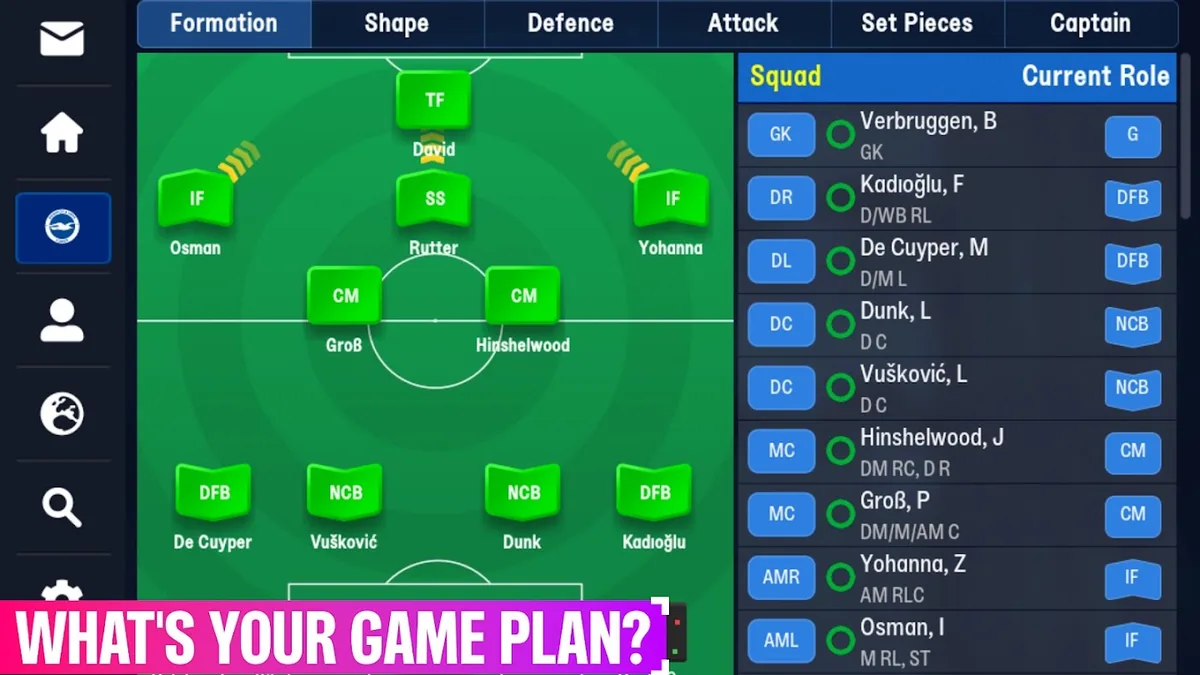
| Tactics menu | At the start of your career, a reference to the best players around the world for each role, to explain what each role does |
| Match selection | Recommendations and insight on who to pick for the next match |
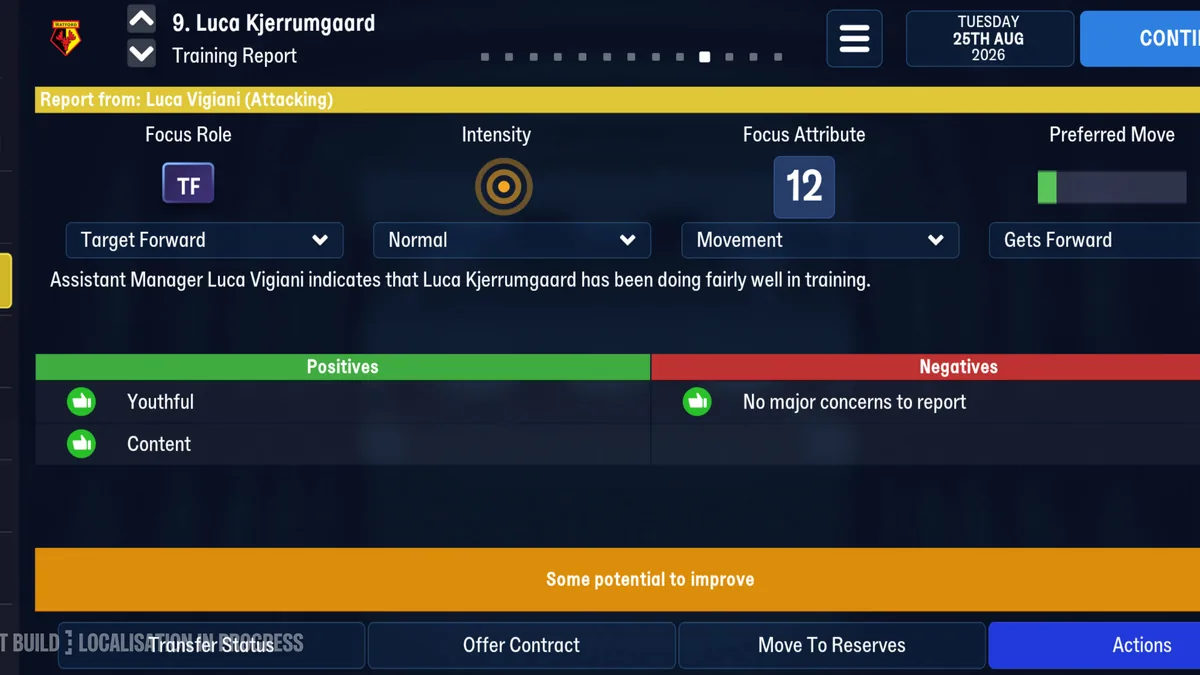
| Training | Suggestions for training and its intensity |
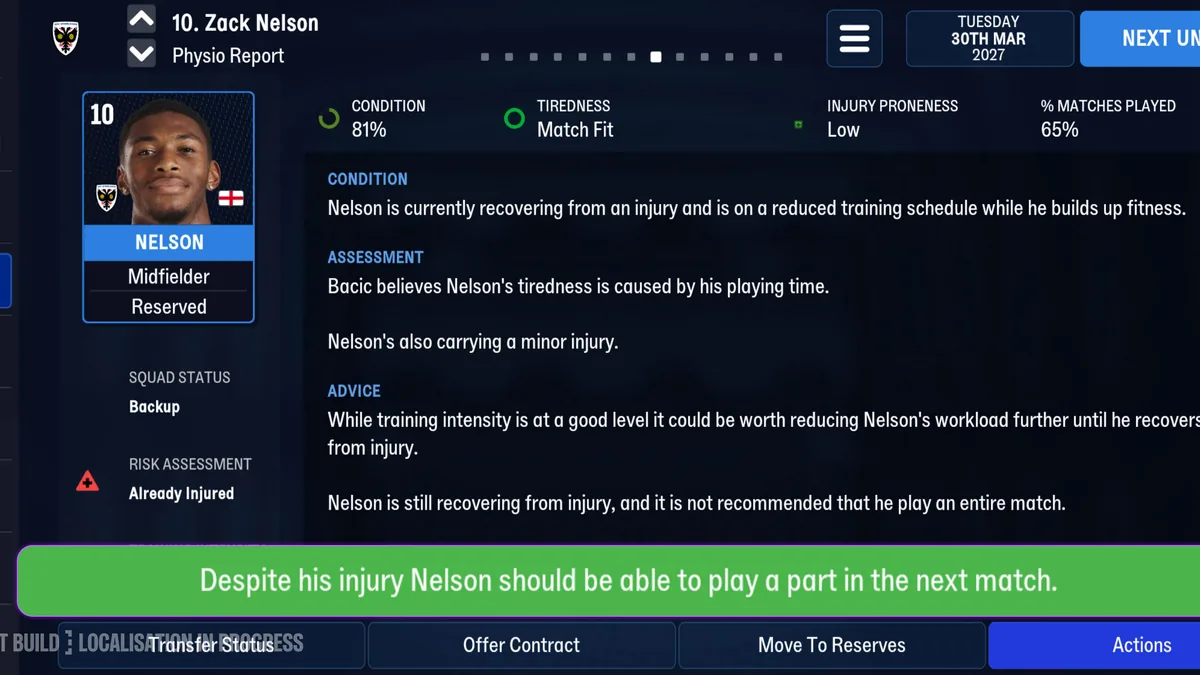
| Injuries | A Physio Report with condition, assessment, advice and recommendations |
| News | Redesigned news items with buttons that take you to the screen where you can act |
SI says the role guidance is meant to "level out the learning curve" and get you crafting effective tactical shapes in no time. The news buttons help too: struggling for form, you might be pointed back towards the tactics board.
One more helper sits in the tactics actions: "pick rotated team". An SI staff member explained on the official forum that it picks a fresher team: tired players, jaded players and players who have played a lot of matches in a row are less likely to be selected. Use it in busy weeks instead of rebuilding your line-up by hand.
Squad and Staff Basics From the Community
The fmmvibe.com forum has a community beginner's guide written for last season's FM26 Mobile. FM27 Mobile is an update to FM26 Mobile, so much of it is a useful starting point, but treat it as last season's advice:
- Meet the players before your first "Continue". Look at each player's attributes, status and coach report, and aim for at least two players for every position; if you're short, look for free or cheap backups.
- Check your staff. In FM26 Mobile the guide counts up to 4 coaches, 3 scouts and 3 physios, with badges (bronze, silver, gold) that can be upgraded by exam and an aptitude (poor, normal, natural) that is fixed.
- Pick a formation that suits your key players, keep settings balanced and default roles at first, and change one thing at a time so you can see what worked.
- Play preseason friendlies. The guide suggests four or five, managed yourself at first, to test tactics and build connections between players.
Staff matter more this year: SI says your coaching staff and structure decide which traits you can train, which puts more weight on hiring coaches with the right specialisms. See our training guide.
Reading Your First Matches
Matches are played in the new 2D match engine, which SI calls the most advanced engine ever for FM Mobile. Three things help a beginner make sense of them:
- Expected Goals (xG). Shown during matches, in league tables and in post-match reports, xG tells you whether you're creating the chances you should, or whether your forwards just had a bad day.
- Highlight speed. Several players say highlights are too fast even on the slowest setting; SI says it will look at slower settings. If you can't follow the play, rely on the stats and the post-match report.
- Set pieces. The set-piece system has been reworked, and players on fmmvibe.com say you can no longer pick a target player for corners.
Our 2D match engine page explains what changed, and our tips page collects what players have learned since launch.
Managing People: Dynamics and Supporters
Results aren't everything. FM27 Mobile's Dynamics system now sends inbox messages about events that affect morale, such as a striker's goal drought or a conflict in the squad, and you can respond to players directly or in your media discussions. Two new responses, Satisfied and Encourage, join Praise and Criticise, and player profiles now tell you more about personality so you can pick the right one.
The fans have their own screen too. Inside Board Confidence, the Supporters screen gives a rating and breaks fan opinion down into team performance, transfers, long-term stability and you as a manager. SI warns that winning alone won't always be enough to keep them on side. Everything new is collected on our new features page and on the official FM27 Mobile page.
Frequently Asked Questions
Is Football Manager 27 Mobile good for beginners?
Yes. SI calls it a game for all levels, and this edition adds beginner help: role guidance with real players in the Tactics menu, selection and training advice, and Physio Reports.
What does this Football Manager 27 Mobile beginner guide recommend doing first?
Look through your squad and staff before your first match, choose a formation that suits your best players, and use the Tactics menu's role guidance.
What does "pick rotated team" do in Football Manager 27 Mobile?
It picks a fresher team: tired, jaded and over-played players are less likely to be selected, according to SI staff.
Can I continue my FM26 Mobile career instead of starting a new one?
Yes. Saves carry over from earlier editions of FM Mobile; see FM27 Mobile vs FM26.
Related Guides
Save Guide: Carry Over or Start New
Football Manager 27 Mobile save guide: carrying over FM24 and FM26 Mobile saves, starting a new career, start dates, known save issues and save editors.
Tips: 12 Lessons From Launch Week
Football Manager 27 Mobile tips from launch week: using xG, pick rotated team, trait training, Dynamics replies, set pieces, settings and known issues.
Training: Traits and Preferred Moves
Football Manager 27 Mobile training guide: the training report, training preferred moves and traits, how coaches decide what you can train, and intensity.