
Football Manager 27 Mobile Save: Carry Over or Start New
Football Manager 27 Mobile save guide: carrying over FM24 and FM26 Mobile saves, starting a new career, start dates, known save issues and save editors.
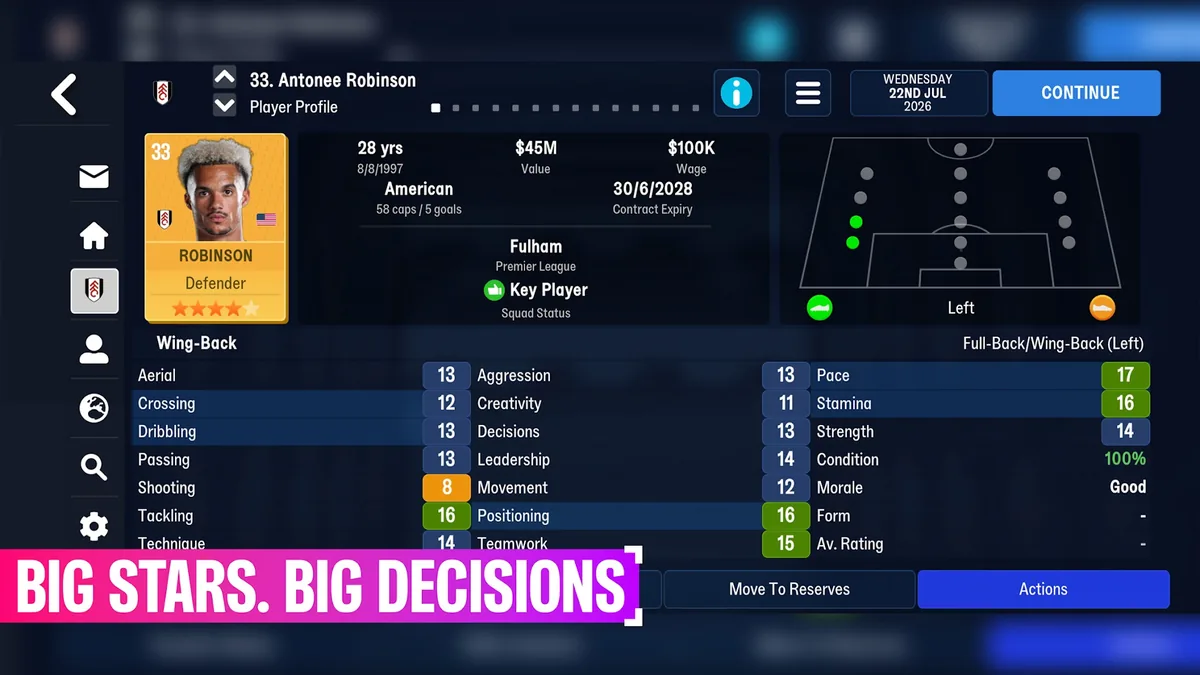
Your Football Manager 27 Mobile save can continue last season's story or start a new one. Saves carry over from earlier editions of FM Mobile, so an FM24 or FM26 Mobile career keeps going in FM27 Mobile, and you can still begin from scratch. This Football Manager 27 Mobile save guide covers both, plus the save problems players have reported and the third-party save editor that's on its way.
Carrying Over an FM24 or FM26 Mobile Save
The store listings are clear: saves will carry over from earlier editions of FM Mobile, "allowing you to build on past triumphs while unlocking fresh features and opportunities. Your story doesn't reset; it evolves." SI's official article names the editions: you can continue from your save in FM24 or FM26 Mobile, or start again from the very beginning.
You don't need to export or import anything. An SI staff member confirmed on the official Sports Interactive forum that "FM27 Mobile will be an update to FM26 Mobile", and Mobi.gg reports that an FM24 Mobile or FM26 Mobile save transfers automatically. Update the app, open your career, and the new season's features are there.
| Save situation | What happens in FM27 Mobile |
|---|---|
| FM26 Mobile career | Carries over; FM27 Mobile is an update to FM26 Mobile |
| FM24 Mobile career | Carries over, according to SI's article and Mobi.gg |
| No previous career | Start a new one |
| FM27 on PC or FM27 Touch | Different games; FM Mobile saves are about FM Mobile editions |
SI tested this before launch. Asked about a bug from the first version of FM26 Mobile that hid the confirmation of player signings in carried-over saves, an SI staff member said a number of carry-over saves had been tested and that they hoped to have ironed out as much as possible. For a full list of what changed since last season, see FM27 Mobile vs FM26.
Starting a New Football Manager 27 Mobile Save
A new career gives you this season's database and the new playable league, Colombia (see leagues). Two things players noticed when setting one up:
- The start date depends on your leagues. On the official SI feedback thread, a player who started unemployed with the English, Scottish, Welsh, Northern Irish and Irish leagues loaded got a start date of December 2025. An SI staff member replied that it's probably intended because of Ireland and that they'd double-check.
- There's no obvious start-date choice. Another player asked where the option to choose a start date had gone; the thread has no answer yet.
On the official FAQ thread, a player also asked whether a new game still allows five league slots; that question is unanswered too. If you're new, our beginner guide covers your first steps.
Known Save Issues After Launch
Players have reported a handful of problems in their first saves:
| Report | Where | Notes |
|---|---|---|
| Women's career save issues carried over unresolved | fmmvibe.com | Reported to SI by the player |
| Board expectations jump from mid-table to winning | fmmvibe.com | Listed as a carry-over issue |
| Coaches and scouts replaced by random regens at the start, old coaches stuck "employed" in staff search | fmmvibe.com | Same discussion |
| Starting XI and substitute order change between matches | Official SI forum | SI asked for details on setup and how often it happens |
| Player histories missing recent transfers and fees | Official SI forum | Player report |
| Loan cancelled at the last moment, but the player moved anyway | Official SI forum | Player report |
When you hit something like this, SI asks for reports on the bug tracker of its official forum; the starter of fmmvibe.com's general discussion thread also reminds players that bugs only discussed on fan forums may go unfixed. Our tips page lists workarounds for the match-day issues.
Save Files and the iScout Save Editor
FM27 Mobile has no official save editor, but a community one is on its way. On fmmvibe.com, the developer of iScout announced "FMM iScout 27", a save editor and viewer, with these conditions:
- Android only. An iOS version doesn't look possible because of where iOS stores the save files; you'd have to connect to a computer to copy the save off and back.
- Paid. The developer says the price will be less than a Netflix subscription, and that the editor itself doesn't require one.
- FMM 27 saves only. It won't load FMM 26 saves, and converting a 26 save isn't tested.
- Waiting for the new format. The developer expected FM27 Mobile's save structure to change because of additions like xG and preferred moves, and planned to update the editor after launch, which could take from a day to a couple of weeks.
The announced features include viewing and editing players, staff and clubs: attributes, contracts, histories, fitness and injuries, and player partnerships on saves that have them. It's an unofficial tool, so keep a copy of anything you care about before experimenting. SI's own description of this season's changes is on the official FM27 Mobile page.
Frequently Asked Questions
Does my FM26 Mobile save work in Football Manager 27 Mobile?
Yes. FM27 Mobile is an update to FM26 Mobile, and saves carry over from earlier editions of FM Mobile.
Can I start a fresh Football Manager 27 Mobile save?
Yes. SI's article says you can continue a save from FM24 or FM26 Mobile or start again from the very beginning.
Why did my new Football Manager 27 Mobile save start in December 2025?
A player saw this when starting unemployed with the UK and Irish leagues loaded; SI staff said it's probably intended because of Ireland.
Is there a save editor for Football Manager 27 Mobile?
Not an official one. A community editor, FMM iScout 27, has been announced for Android only, as a paid app.
Related Guides
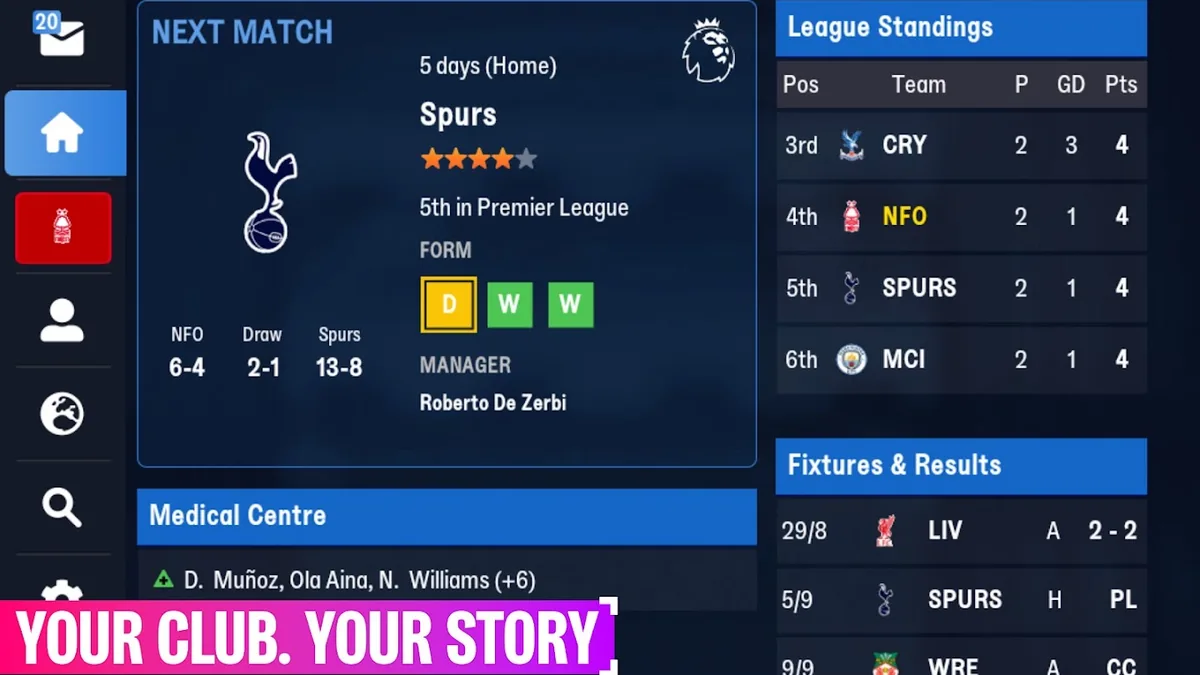
Beginner Guide: Your First Season
Football Manager 27 Mobile beginner guide: starting a career, the new help for first-time players, squad and staff basics, reading matches with xG and Dynamics.
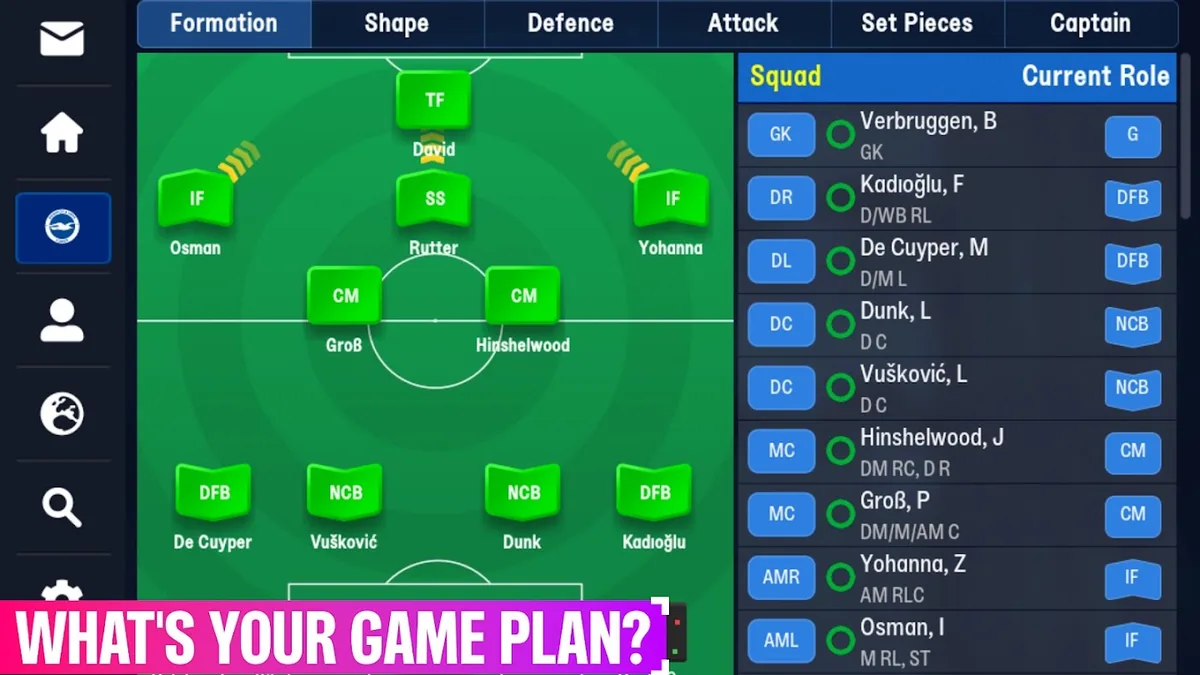
Tips: 12 Lessons From Launch Week
Football Manager 27 Mobile tips from launch week: using xG, pick rotated team, trait training, Dynamics replies, set pieces, settings and known issues.
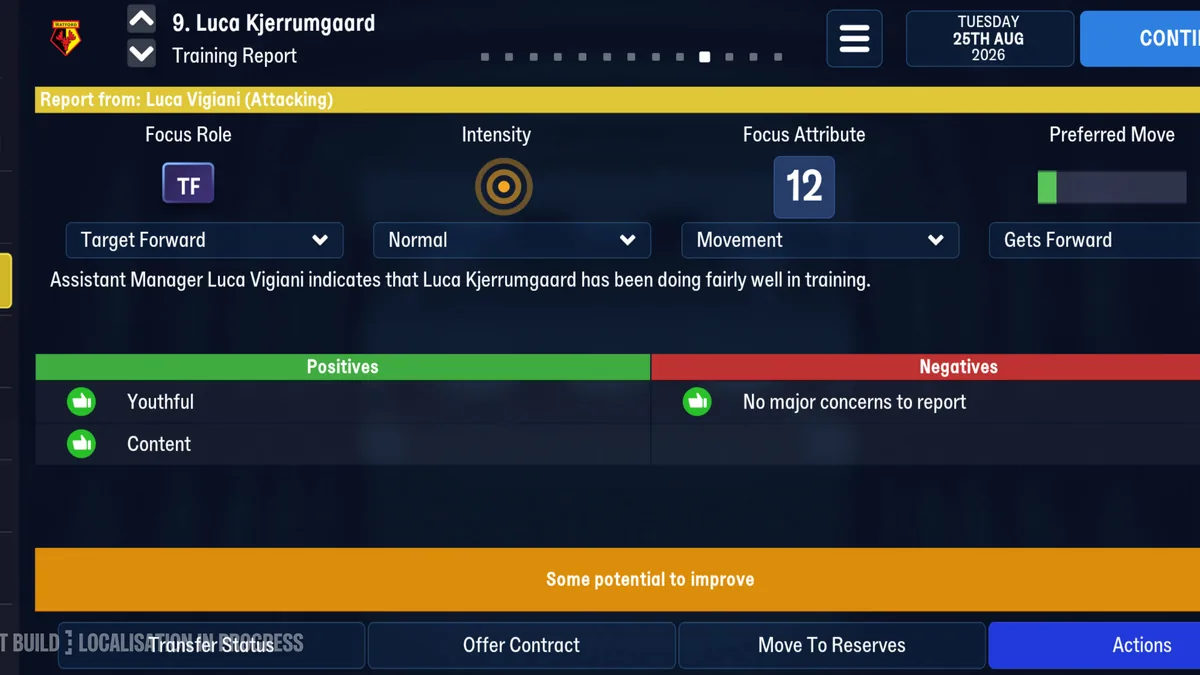
Training: Traits and Preferred Moves
Football Manager 27 Mobile training guide: the training report, training preferred moves and traits, how coaches decide what you can train, and intensity.