Football Manager 27 Mobile Tips: 12 Lessons From Launch Week
Football Manager 27 Mobile tips from launch week: using xG, pick rotated team, trait training, Dynamics replies, set pieces, settings and known issues.
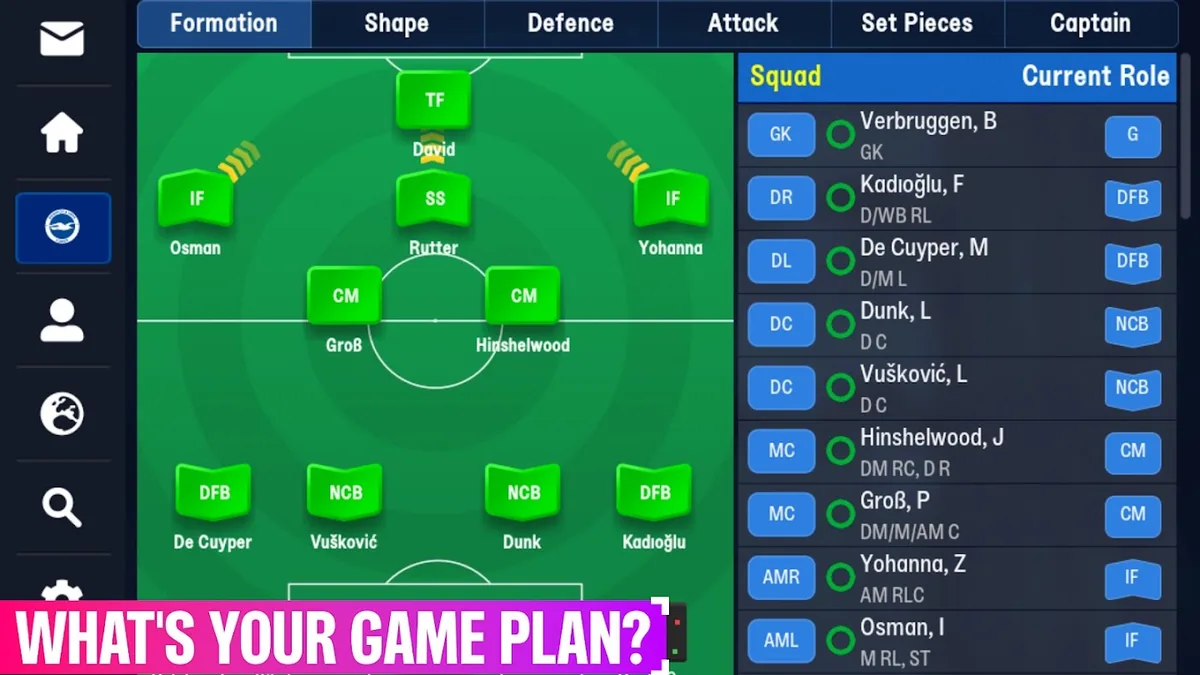
These Football Manager 27 Mobile tips come from what Sports Interactive has said about this edition and what players found in its first days, on the official SI forum and on fmmvibe.com. They cover tactics and matches, your squad, your settings and the known issues worth working around. Every one of these Football Manager 27 Mobile tips is about something new or changed this season; for the basics, start with our beginner guide.
Tactics and Match Tips
1. Judge your tactics by xG, not just the score. FM27 Mobile shows Expected Goals during matches, in league tables and in post-match reports. SI's point is simple: xG tells you whether your team is creating the chances it should, or whether your forwards just had a bad day in front of goal. Before changing a tactic after one bad result, check whether you actually created less.
2. Give your tactic a fair test in the new match engine. The 2D match engine now uses the latest FM match logic, so roles may behave differently from last season. On fmmvibe.com, one player found their inverted wing-backs "actually inverting" and a wing-back plus inside forward combination producing a lot of low crosses for the striker, while warning that this was after a single competitive game.
3. Re-check your set pieces. The set-piece system was reworked. Players on fmmvibe.com say you can no longer pick a target player for corners; one complained about losing individual instructions, while another found the new system smoother to set up. Look at your routines again rather than assuming your FM26 Mobile set-up still applies.
4. Watch your marking instructions during matches. Players on the official SI feedback thread reported that instructions like man-marking keep changing to zonal during matches, and an fmmvibe.com player asked whether anyone else had seen their tactic change on its own mid-match. If results look odd, check your instructions after kick-off.
5. Use "pick rotated team" in busy weeks. An SI staff member explained this tactics action: it picks a fresher team, so tired players, jaded players and players who have played a lot of matches in a row are less likely to be selected.
| Tip | Where to find it | Source |
|---|---|---|
| xG for chance quality | Match screen, league tables, post-match report | SI's official article |
| Pick rotated team | Tactics actions | SI staff on the official forum |
| Role guidance with real players | Tactics menu, start of career | SI's official article |
| Physio Report | When a player is injured or at risk | SI's official article |
Squad and Player Tips
6. Read the Physio Report before you pick an injured or tired player. It covers condition, assessment, advice and recommendations, and combines injury history, fitness, fatigue and match load to explain why a player is at risk. You also get recommendations on selection and training intensity.
7. Shape players with trait training. You can now train a player's preferred moves and traits, or remove them entirely. Your coaching structure decides which traits you can train, so hire coaches with the specialisms you need.
8. Search by personality and preferred moves. New search filters let you scout by personality type, such as Model Professional or Wind-up Artist, and by preferred moves or traits. One player on fmmvibe.com was simply impressed by how much more detail the player and staff screens now show, personalities included.
9. Pick the right Dynamics reply. When a morale event lands in your inbox, you can now answer with Satisfied or Encourage as well as Praise and Criticise, and player profiles give more insight into personality so you can predict the reaction.
10. Don't ignore the fans. The Supporters screen in Board Confidence rates the fans' view of team performance, transfers, long-term stability and you as a manager. SI says winning alone won't always be enough to keep them on side.
Settings Tips
11. Set up haptics, sounds and accessibility first. Haptic feedback is new and vibrates at key in-game moments; one fmmvibe.com player had to find out on day one how to turn the vibrations off. The new accessibility menu, shown in SI's screenshots, has switches for Colour Blind Mode, Flashing Text, Sounds, Haptic Feedback, UI Taps and Match Events.
12. Know the limits of highlight speed. Players on both forums say highlights are too fast even on the slowest speed. SI replied that it will look at putting in some slower settings, so for now lean on the match stats and the post-match report.
Known Issues to Work Around
| Issue | What to do | Status |
|---|---|---|
| Defensive midfielder roles underperform | Be careful relying on DM roles | SI has a fix in internal testing for a future update |
| Starting XI and sub order change between matches | Check your line-up before every match | SI asked for details to investigate |
| Highlights too fast | Use stats and reports | SI will look at slower settings |
| Tactic or marking changes mid-match | Re-check instructions after kick-off | Reported by players |
SI asks players to report bugs on the bug tracker of the official forum rather than in feedback threads. You can follow official updates on the official FM27 Mobile page.
Frequently Asked Questions
What are the best Football Manager 27 Mobile tips for new players?
Use the Tactics menu's role guidance, judge results by xG as well as the score, and read the Physio Report before picking tired or injured players.
Why does my tactic change during matches in Football Manager 27 Mobile?
Players have reported man-marking switching to zonal and tactics changing mid-match; check your instructions after kick-off and report it on SI's bug tracker.
How do I rest players without picking the team by hand?
Use "pick rotated team" in the tactics actions; it favours fresher players.
Are these Football Manager 27 Mobile tips still valid after updates?
They reflect launch week, November 10–11, 2026. SI has a fix for DM roles in testing and is looking at slower highlight speeds, so some may change.
Related Guides
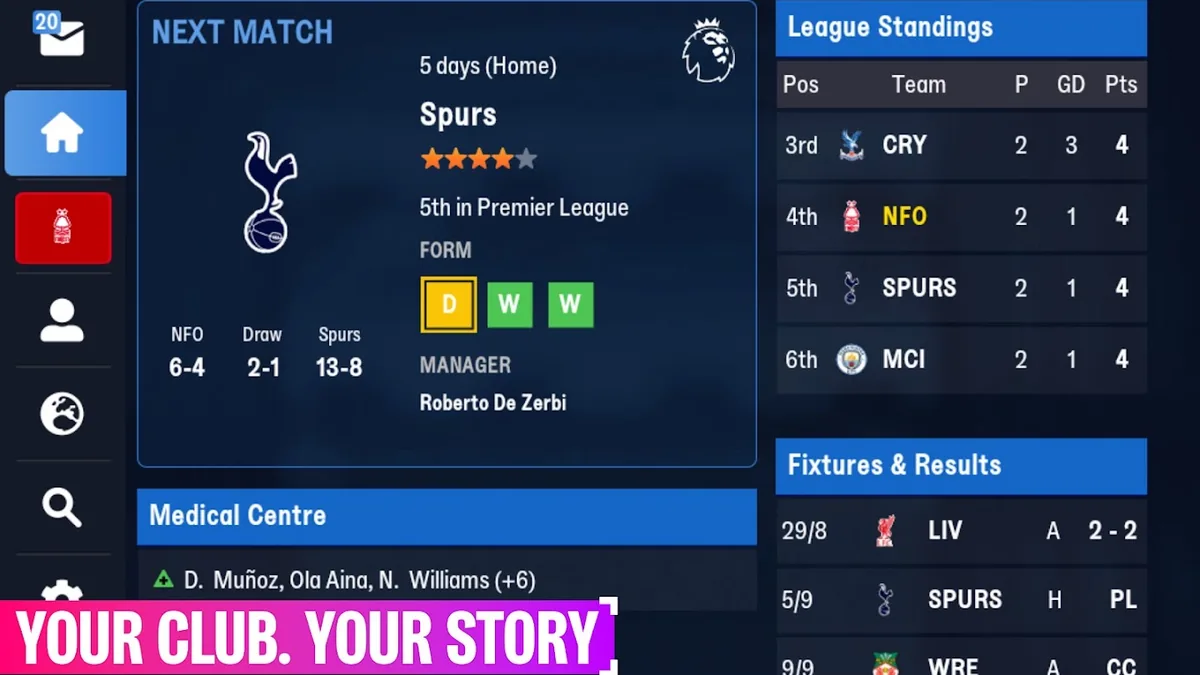
Beginner Guide: Your First Season
Football Manager 27 Mobile beginner guide: starting a career, the new help for first-time players, squad and staff basics, reading matches with xG and Dynamics.
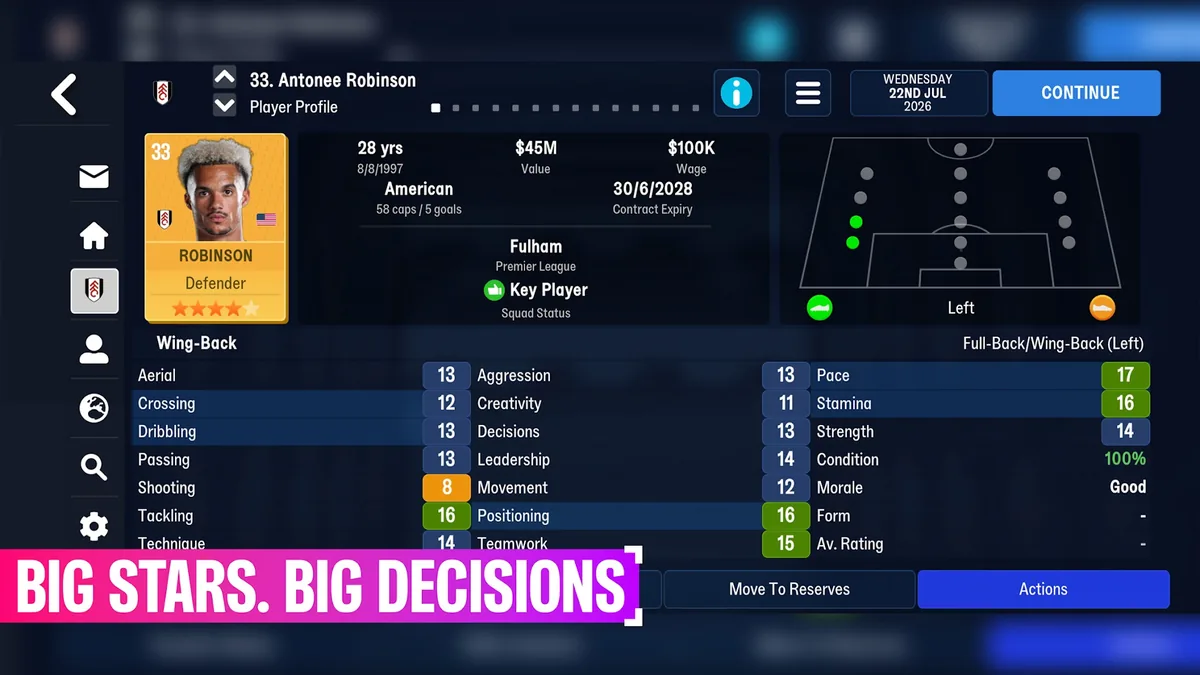
Save Guide: Carry Over or Start New
Football Manager 27 Mobile save guide: carrying over FM24 and FM26 Mobile saves, starting a new career, start dates, known save issues and save editors.
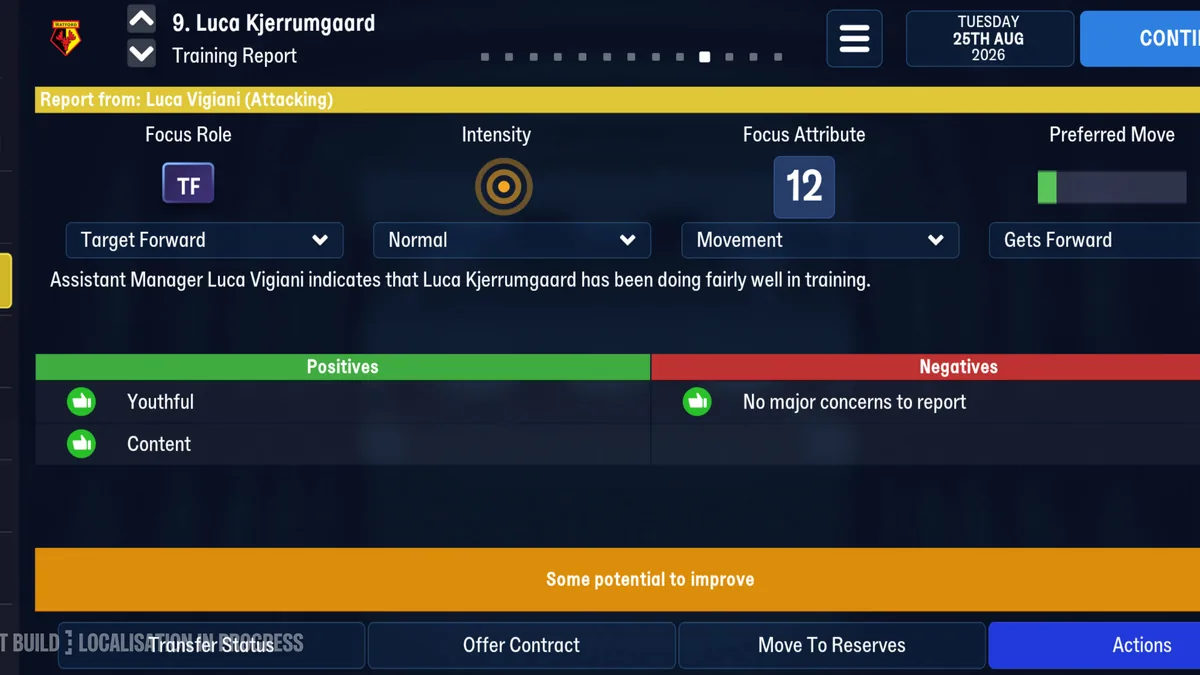
Training: Traits and Preferred Moves
Football Manager 27 Mobile training guide: the training report, training preferred moves and traits, how coaches decide what you can train, and intensity.